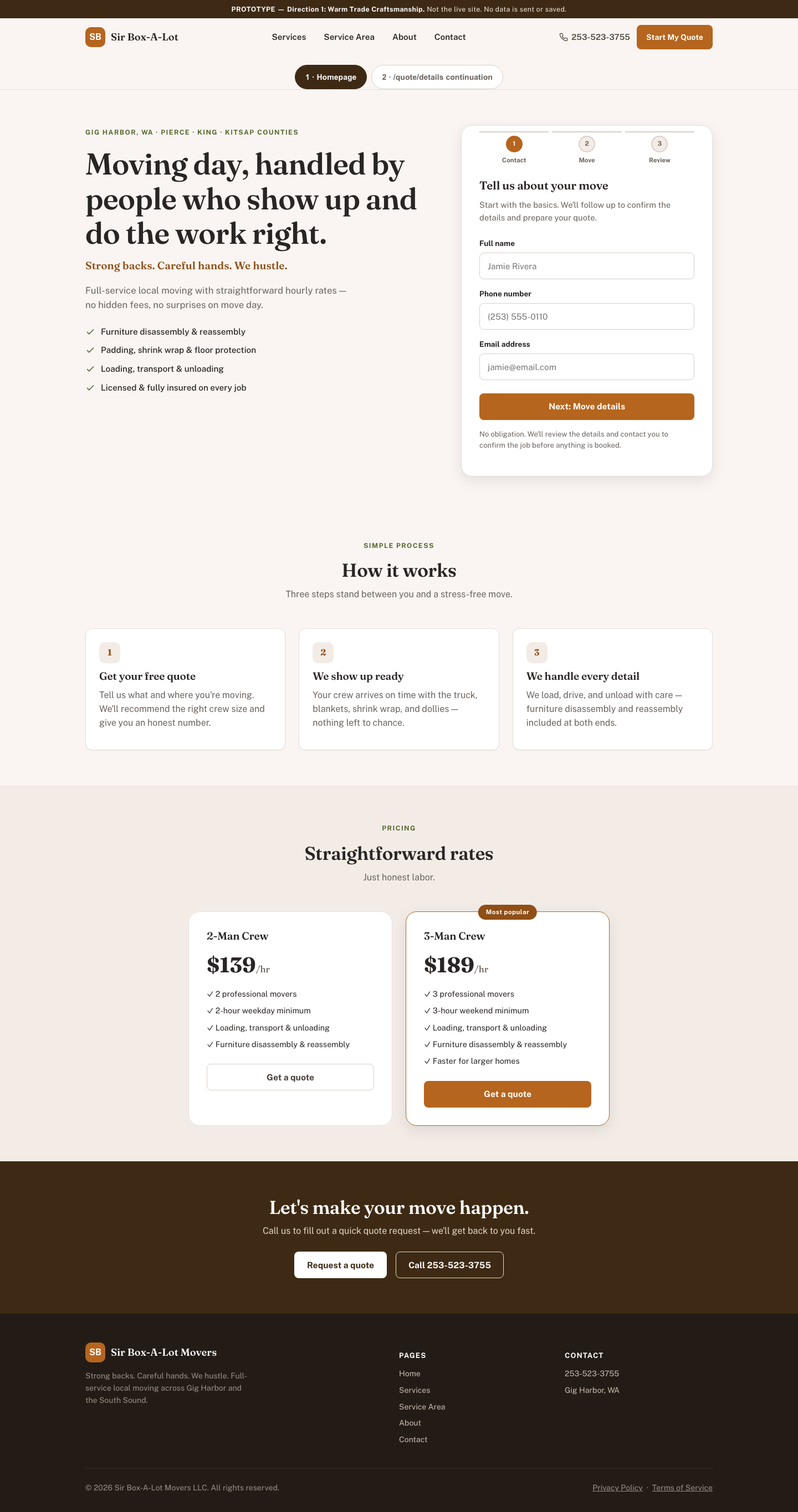

1 · Warm Trade Craftsmanship
Editorial, cream & terracotta, serif headings. Feels like a trusted local tradesperson, not a franchise call center.
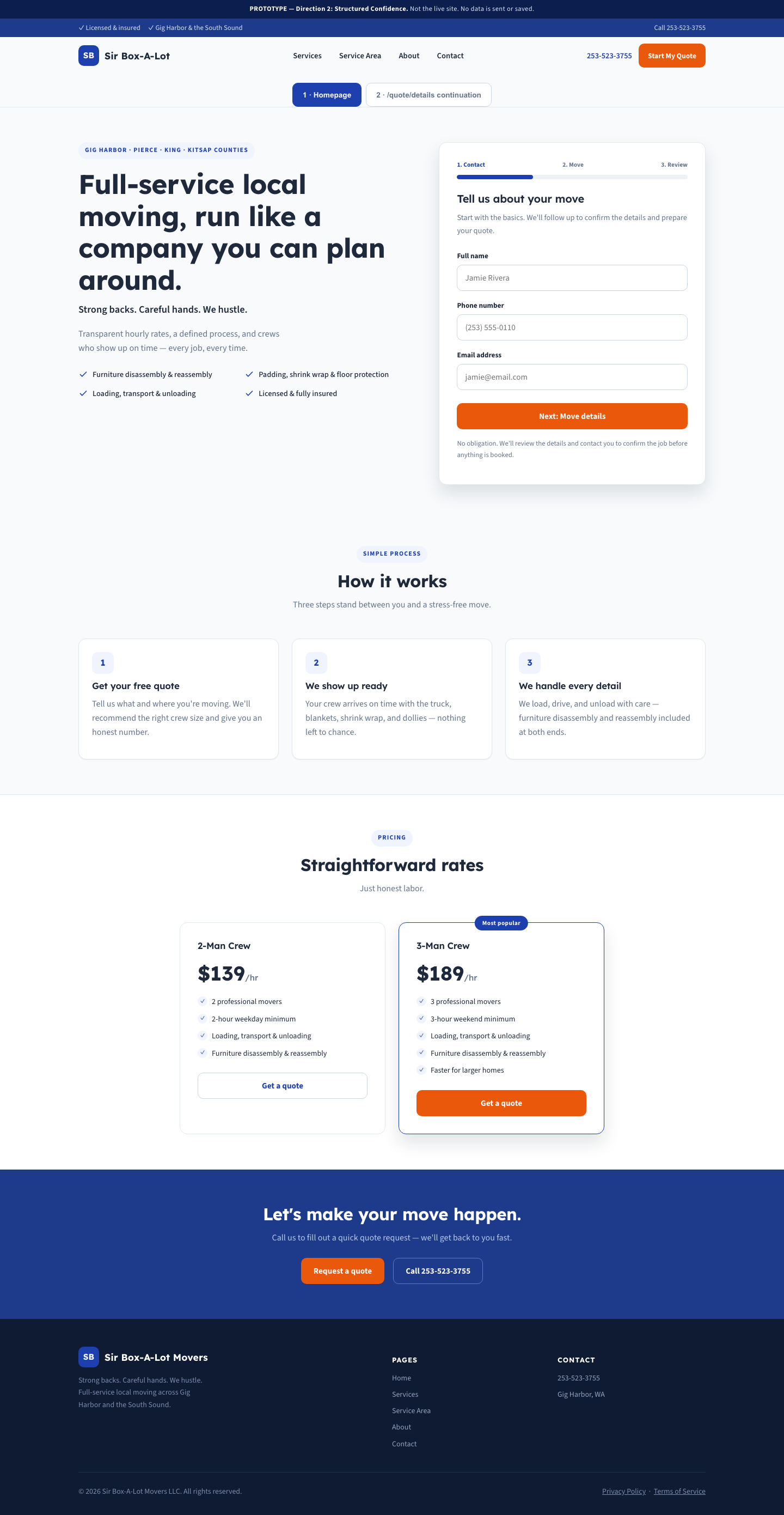

2 · Structured Confidence
Navy & safety-orange, consistent grid and radius, sidebar stepper on the quote flow. Feels like a well-run modern service company.
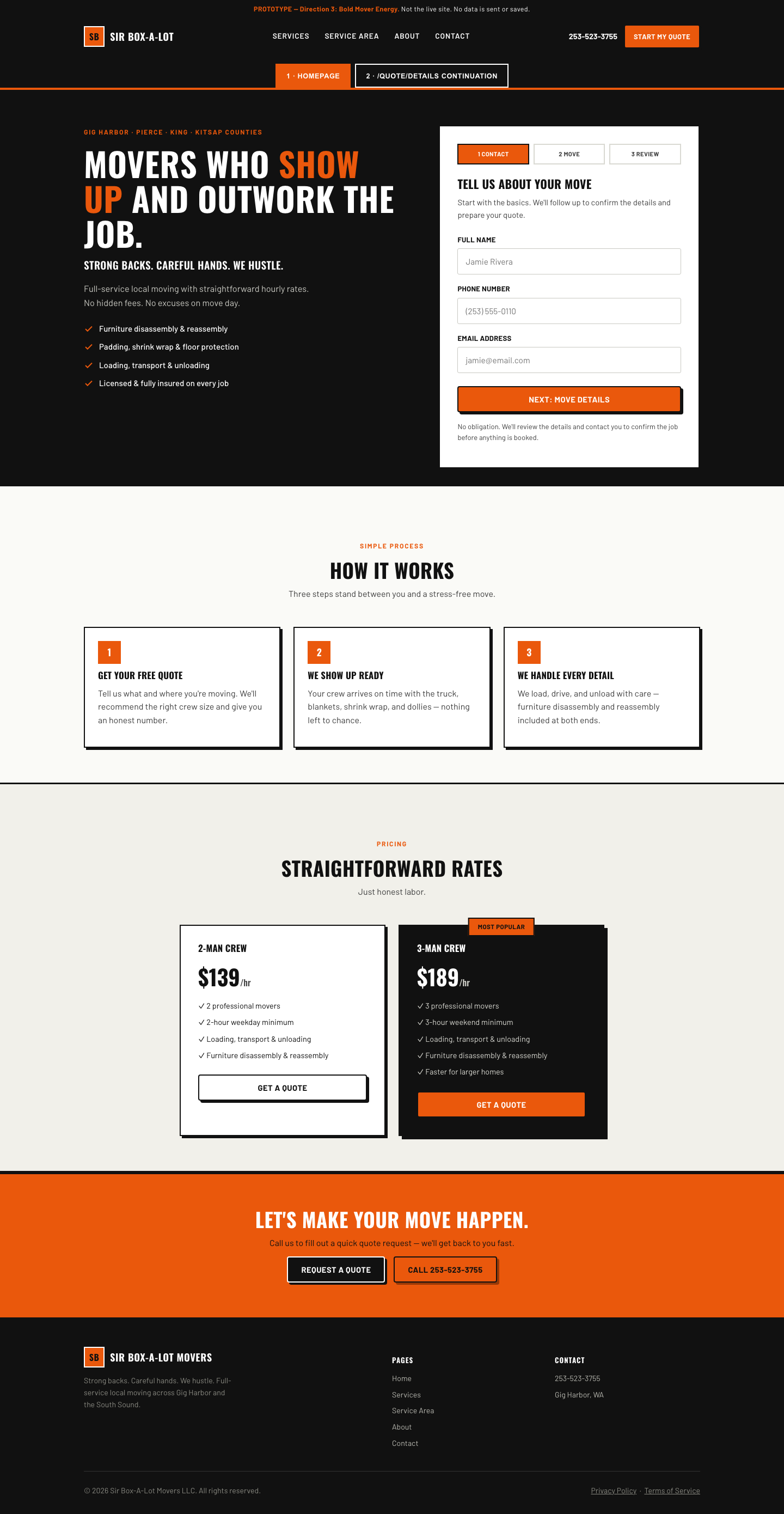

3 · Bold Mover Energy
Black, white & safety-orange, condensed industrial type, hard-offset shadows. Feels like people who show up and outwork the job.
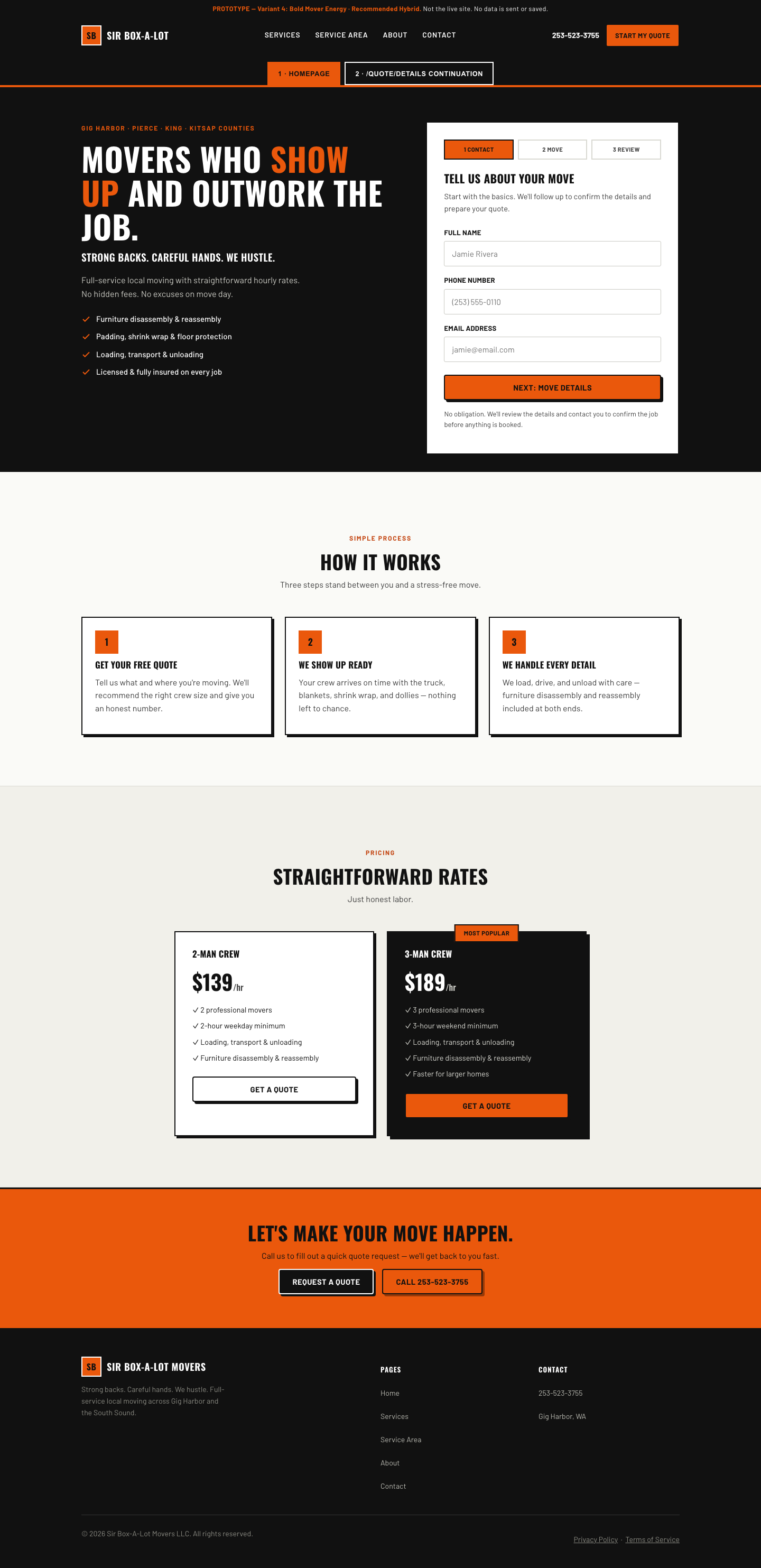

4 · Bold Mover Energy: Recommended Hybrid
Daryl's selected Variant 3 direction, refined with Variant 2's quote-flow stepper, calm controls, and Variant 1's read-heavy spacing principle. Prototype only—not production.
How to review each prototype
Each prototype opens on the Homepage screen. Use the "2 · /quote/details continuation" tab at the top of each prototype to see the multi-step quote continuation — grouped fields, progressive disclosure, checkbox states, and a validation example are all live in that screen. A "Component states reference" panel near the bottom of that screen shows default/hover/focus/pressed/disabled states rendered directly, without needing to trigger them by hand.
Serve this folder over local HTTP rather than opening files directly. All four prototypes are inert: form fields do not submit, save, or send data anywhere.